

 Full manual PDF


Add Device
 ATTENTION
- Please add the device in the application first before in order to control your air conditioner via the application.
Open the application, log-in with the online platforms and fill your information.
Then, set up the initial settings by follow the on-screen instructions.
Then, set up the initial settings by follow the on-screen instructions.
Tap [+ Add device] on “Air management” page on the application by follow the on-screen instructions. (Fig. 1)
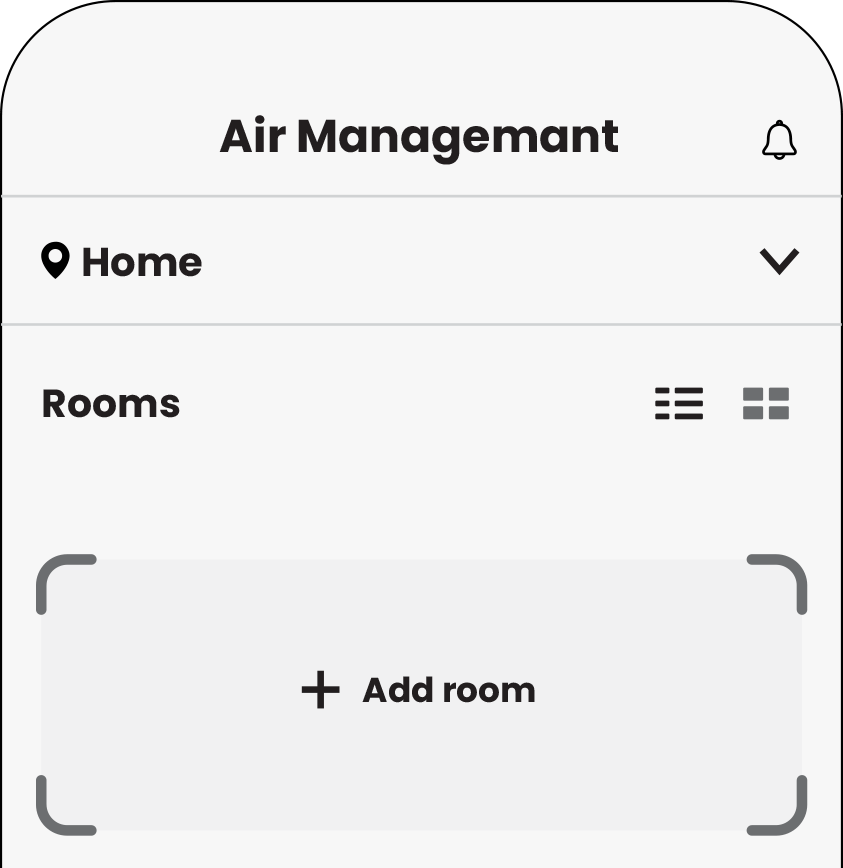
Add the room
Fig. 1
Fig. 1
Add device automatically
-
Scan QR code on the label or on the unit. (Fig. 2)
See the “Indoor unit”.- The application is automatically connect to wifi module.
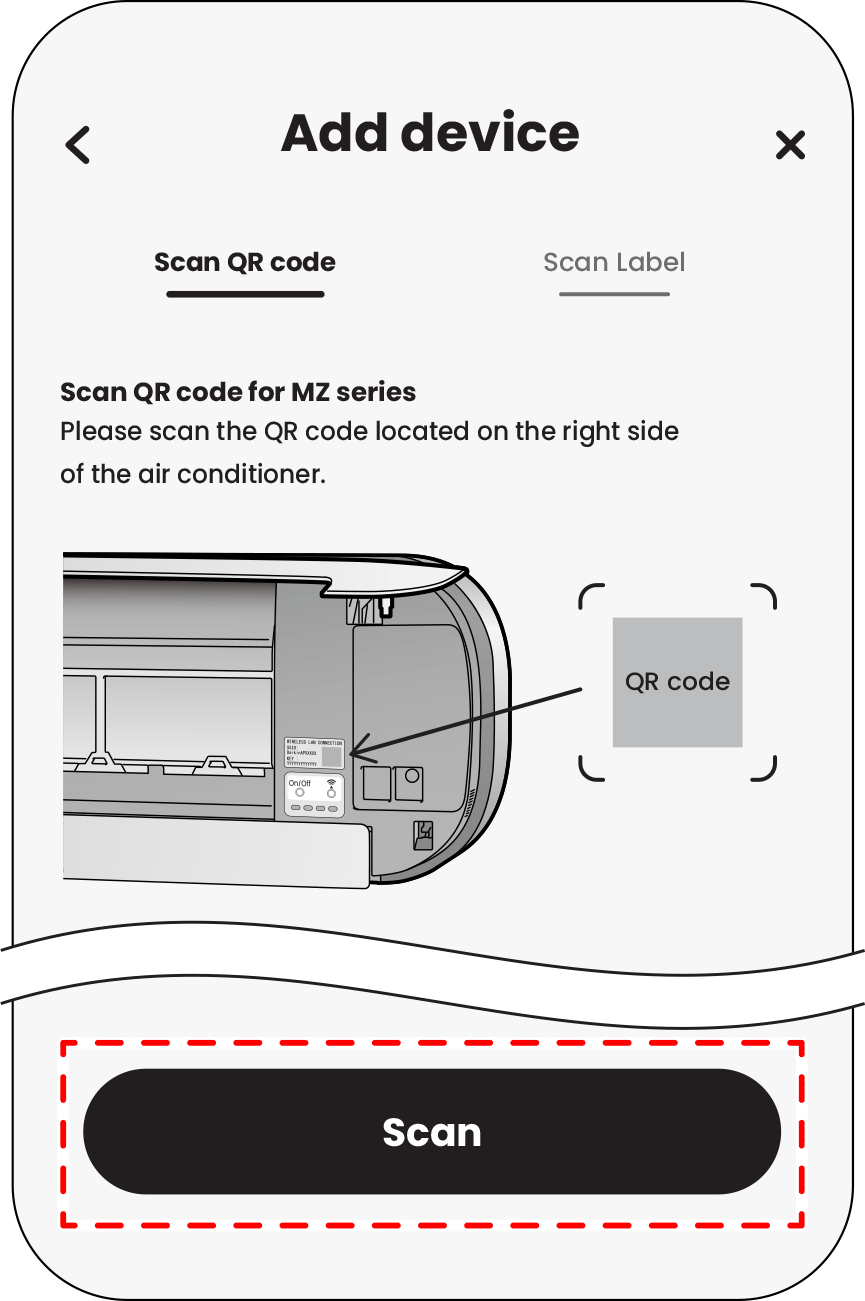 Fig. 2
 - Select the router to connect and input router password.
- Connect between wifi module and router.
Add device manually
By a way for adding the device, please input details manually.
-
Tap
 on the screen (Fig. 3) and then follow the steps in the applications.
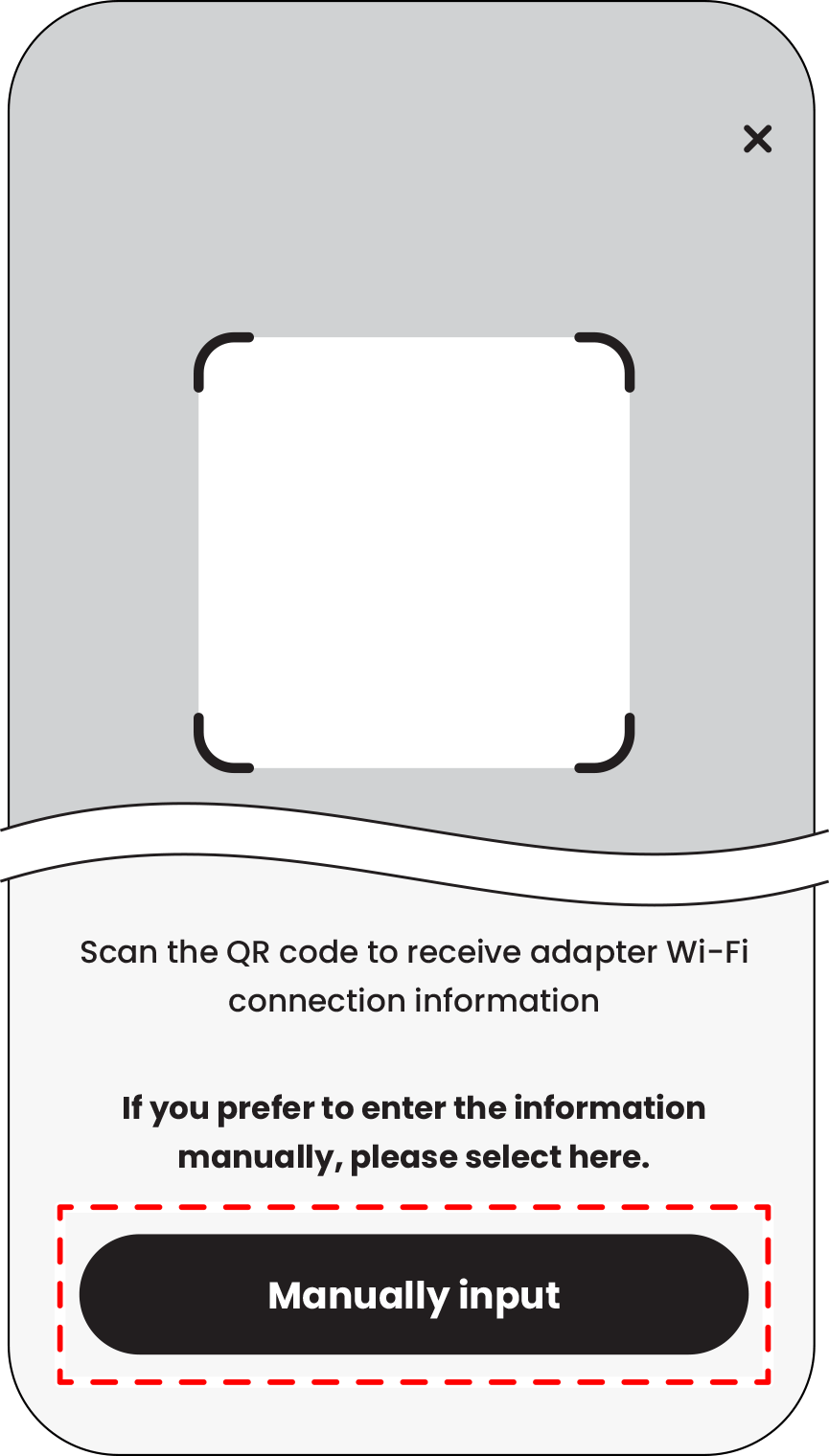
Fig. 3
