

 Full manual PDF


Adjusting the airflow direction
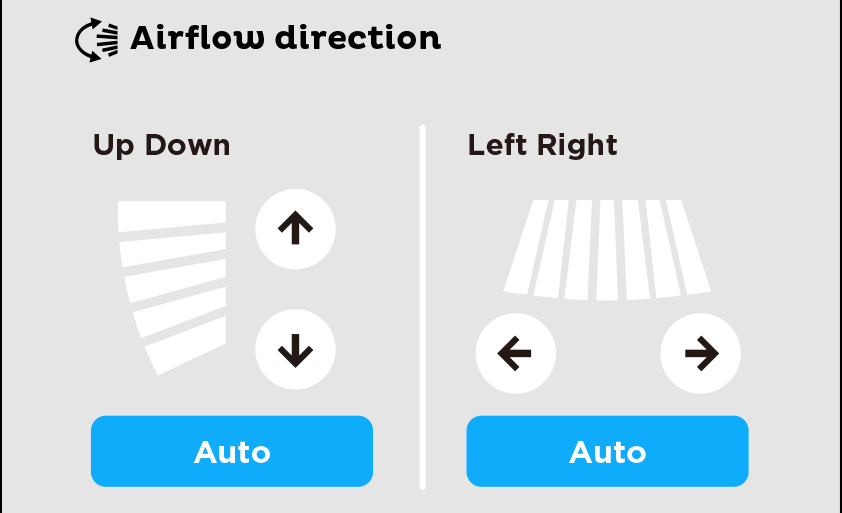
You can adjust the airflow direction to increase your comfort.
 CAUTION
-
Always use an application to adjust the angles of the flaps and louvres.
- If you attempt to move the flaps and louvres forcibly by hand when they are swinging, the mechanism may be damaged.
- Be careful not to place your fingers inside the air outlet, as a fan is rotating at high speed.
To start auto swing
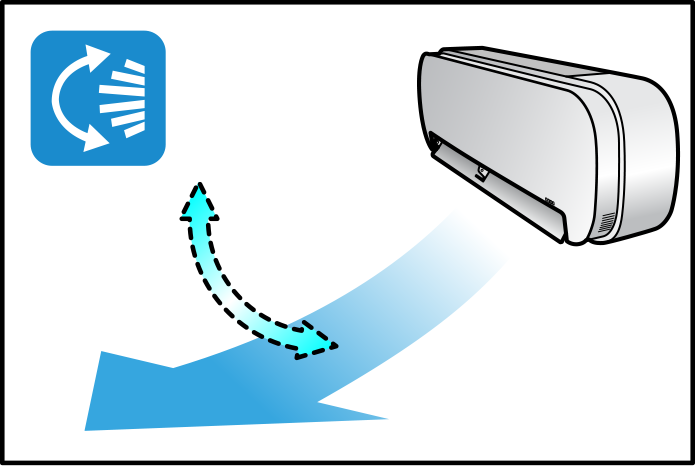
Up and down airflow direction
-
Tap ”
 ” on the screen.
-
The flaps (horizontal blades) will begin to move vertically. (up-down).
The airflow direction : 5 steps, Auto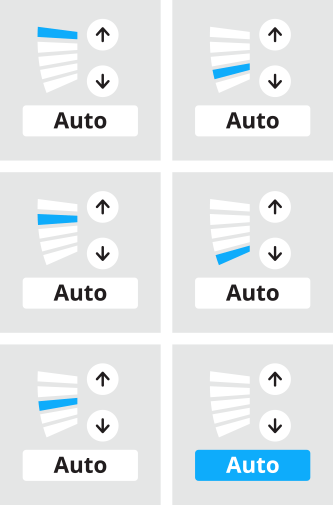 Up and down airflow direction
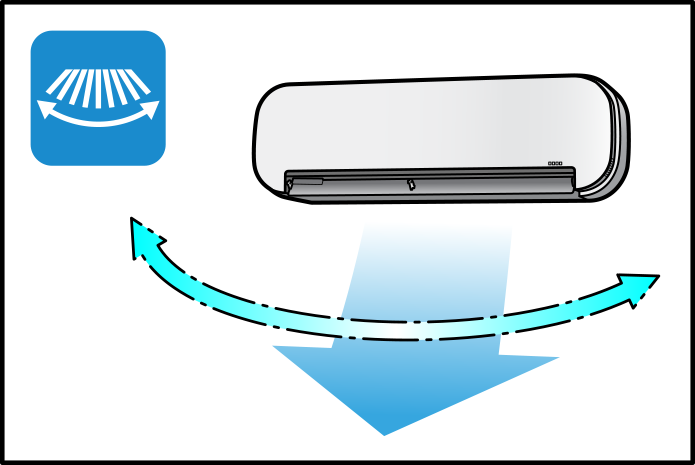
Right and left airflow direction
-
Tap ”
 ” on the screen.
-
The louvres (vertical blades) will begin to move horizontally. (left-right).
The airflow direction : 7 steps, Auto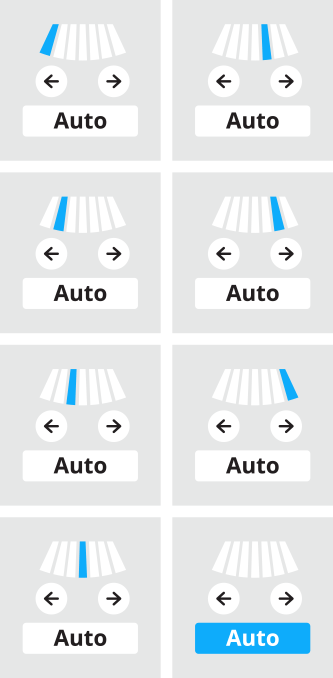 Right and left airflow direction
NOTE
Notes on airflow direction setting
-
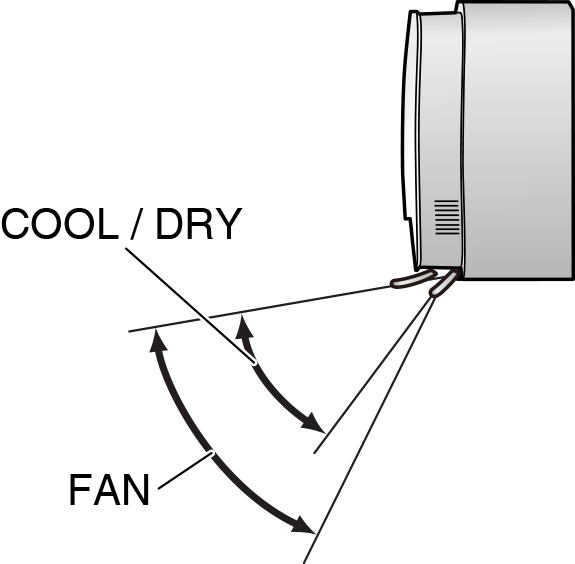
The movable range of the flaps varies according to the operation mode. Refer to the picture below.
Movable range of the flaps
Close
3-D airflow direction
-
Tap ”
 ” and ”
  ” on the screen.
- The flaps (horizontal blades) and louvres (vertical blades) will move alternately.
-
To cancel 3-D airflow, tap either or again.
The flaps or louvres will stop moving.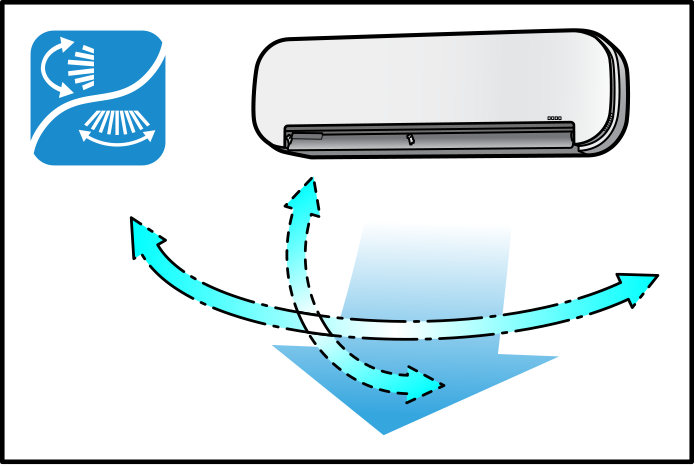
NOTE
Note on 3-D airflow
- Using 3-D airflow circulates cold air, which tends to collect at the bottom of the room, preventing areas of cold developing.
Close
To set the flaps or louvres at the desired position
- This function is effective while the flaps or louvres are in auto swing mode.
-
Tap
and when the flaps or louvres reach the desired position.
- In the 3-D airflow, the flaps and louvres move in turn.
Close
