

 Full manual PDF



COMFORT AIRFLOW operation
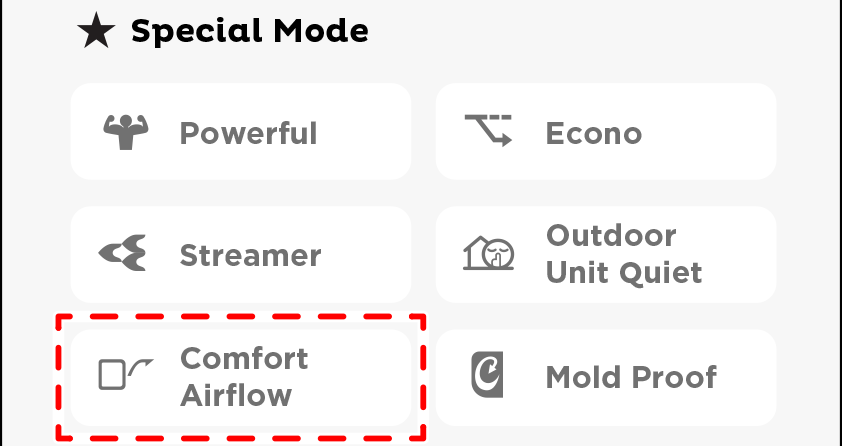
The flow of air will be in the upward direction while in COOL/DRY operation, which will provide a comfortable wind that will not come in direct contact with people.
To start
-
Tap ”
 ” on the screen.
- The button appear a color.
- The COMFORT will operate.
| COOL operation | DRY operation | |
|---|---|---|
| Flaps direction | Goes up | |
| Airflow rate | The airflow rate can be set to any level | AUTO |
- Not available in FAN Mode.
NOTE
Notes on COMFORT AIRFLOW operation
- POWERFUL operation cannot be used together with ECONO/ COMFORT AIRFLOW/ OUTDOOR UNIT QUIET operation. Priority is given to the function of whichever button is pressed last.
- If the upward and downward airflow direction is selected, the COMFORT AIRFLOW operation will be canceled. Priority is given to the function of whichever button is pressed last.
Close
To cancel
-
Tap ”
” again.
- The button color will return to normal.
- The COMFORT stop operation.
- The flaps will return to the position in memory from before COMFORT AIRFLOW operation.
Close
