

 Full manual PDF



HUMIDITY operation
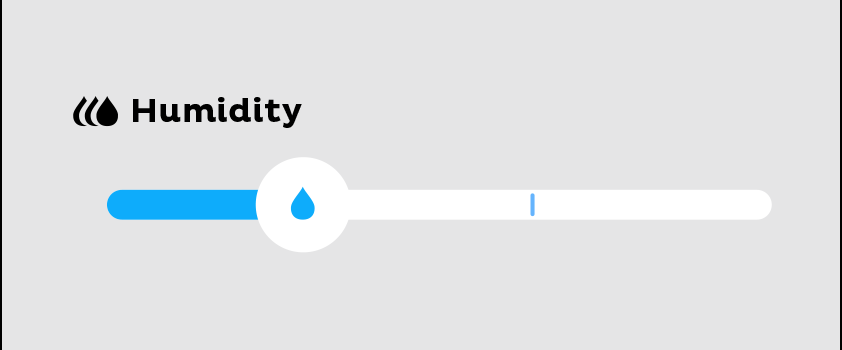
HUMIDITY operation during cool temperature setting operation to prevent dry air and ensure moisture is retained to increase your comfort.
 ATTENTION
- The performance of the humidity control function depends on the heat load and the humidity conditions in room.
- In case of set room temperature is too high and set humidity level 1, the indoor room humidity control may increase.
- In case of set room temperature is too low and set humidity level 3, the indoor room humidity control may decrease.
- If the humidity level is set to level 1, it may not be possible to adjust the humidity control to a higher level immediately, or it may take a long time.
To start
-
While COOL operation “
 ”, select the HUMIDITY level by tap the HUMIDITY setting level on the screen.
 : To keep moisture balance at level 1 (low)
 : To keep moisture balance at level 2 (middle)
 : To keep moisture balance at level 3 (high)
Close
To cancel
-
Tap the HUMIDITY level until not activate.
-
“
 ” Not activated.
- The operation will be normal COOL operation mode.
NOTE
Notes on HUMIDITY operation
- HUMIDITY operation is only available during COOL operation.
- When select humidity by tap the HUMIDITY level, and operation change from COOL operation to HUMIDITY operation that the indoor room temperature rises at that time if the outdoor temperature is high.
- In case of the outdoor temperature is high, the cooling performance and indoor room humidity control may drop.
- In order to regulate temperature and humidity, the airflow rate during COOL operation is adjusted automatically.
- The HUMIDITY operation will be change according to the temperature settings.
- The airflow settings cannot be changed.
- During the use of this function, if excessive cold or heat is experienced, adjust the temperature to a suitable level.
-
Should automatic humidity be required, simply press the DRY operation button ”
 “.
“.
Close
