

 Full manual PDF


Click the button below when you need to go back to the product features page.
Indoor unit
MTKC09/12
-
Indoor unit closes
the front panel -
Indoor unit opens
the front panel
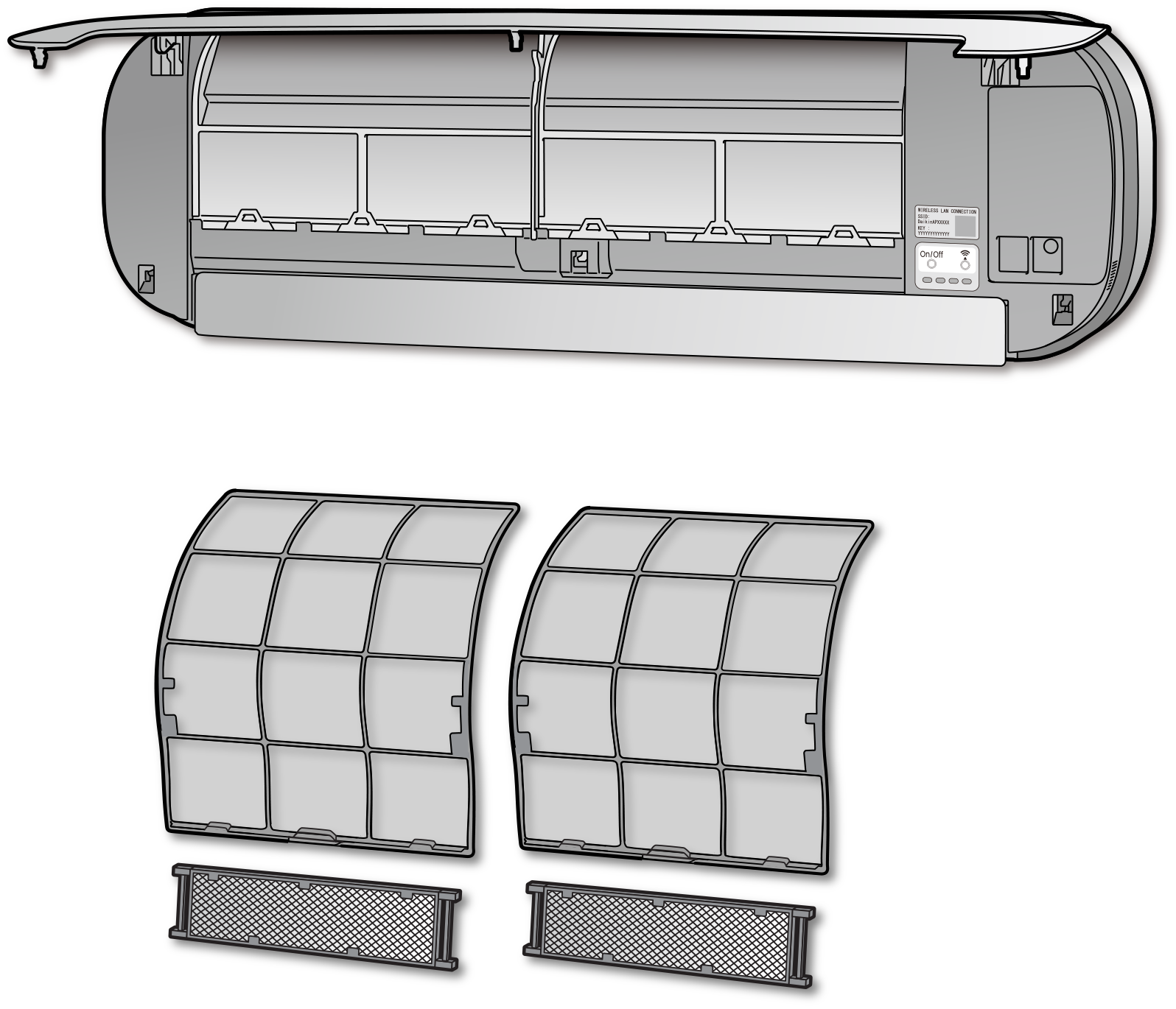
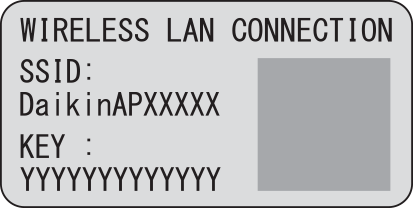
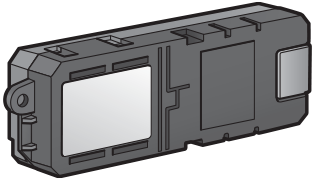
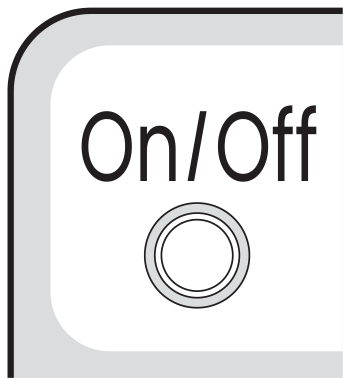
Indoor unit ON/OFF switch
(Emergency switch)
(white)
-
Press this switch once to start operation.
Press once again to stop it. - For the operation mode setting, refer to the following table.
| Mode | COOL |
|---|---|
| Temperature setting | 22.0°C |
| Airflow rate | AUTO |
- This switch can be used when you are not near a smartphone or when the smartphone runs out of battery.
The wireless LAN connecting adapter switch
(white)
-
If you want to reconnect the wireless LAN adapter after it has been connected, please check the wireless LAN connecting adapter lamp on the indoor unit each time you reconnect it.
If the lamp is not blinking/not light, press Wifi switch at 1 time on the indoor unit display and follow the steps of each methods.
