

 Full manual PDF



MOLD PROOF operation
The inside of the air conditioner is dried to reduce the occurrence of mold and odour.
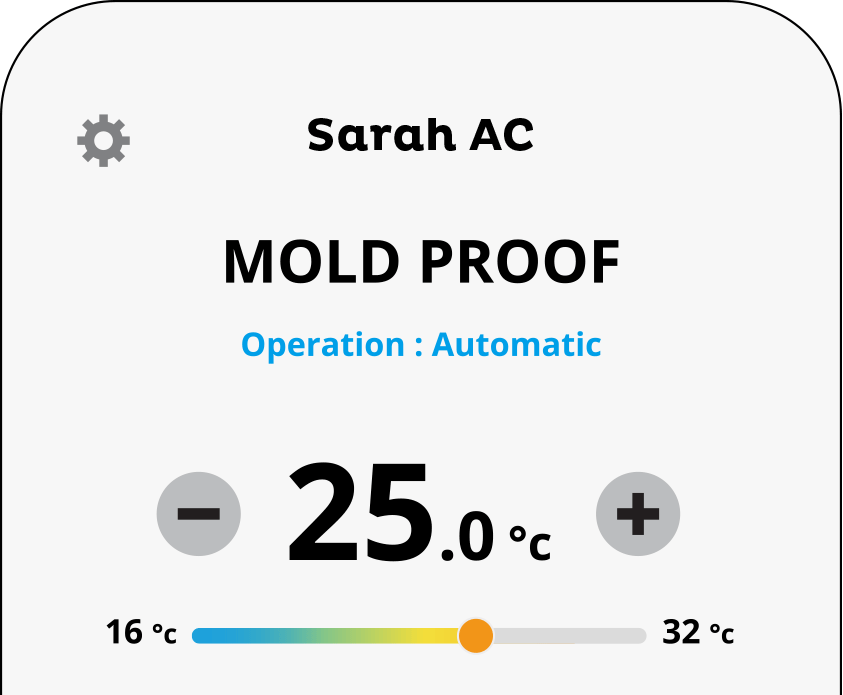
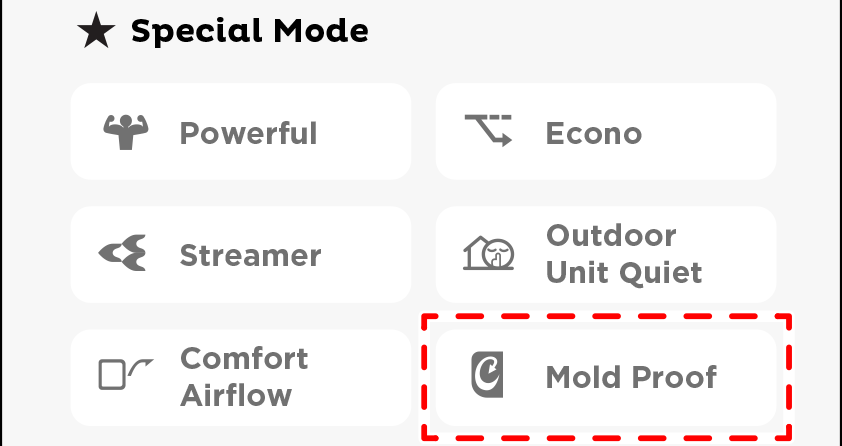
To operate automatically
To set
-
Tap ”
 ” on the screen.
- The button appear a color.
-
While operation is stopped, “
 ” appear on the screen.
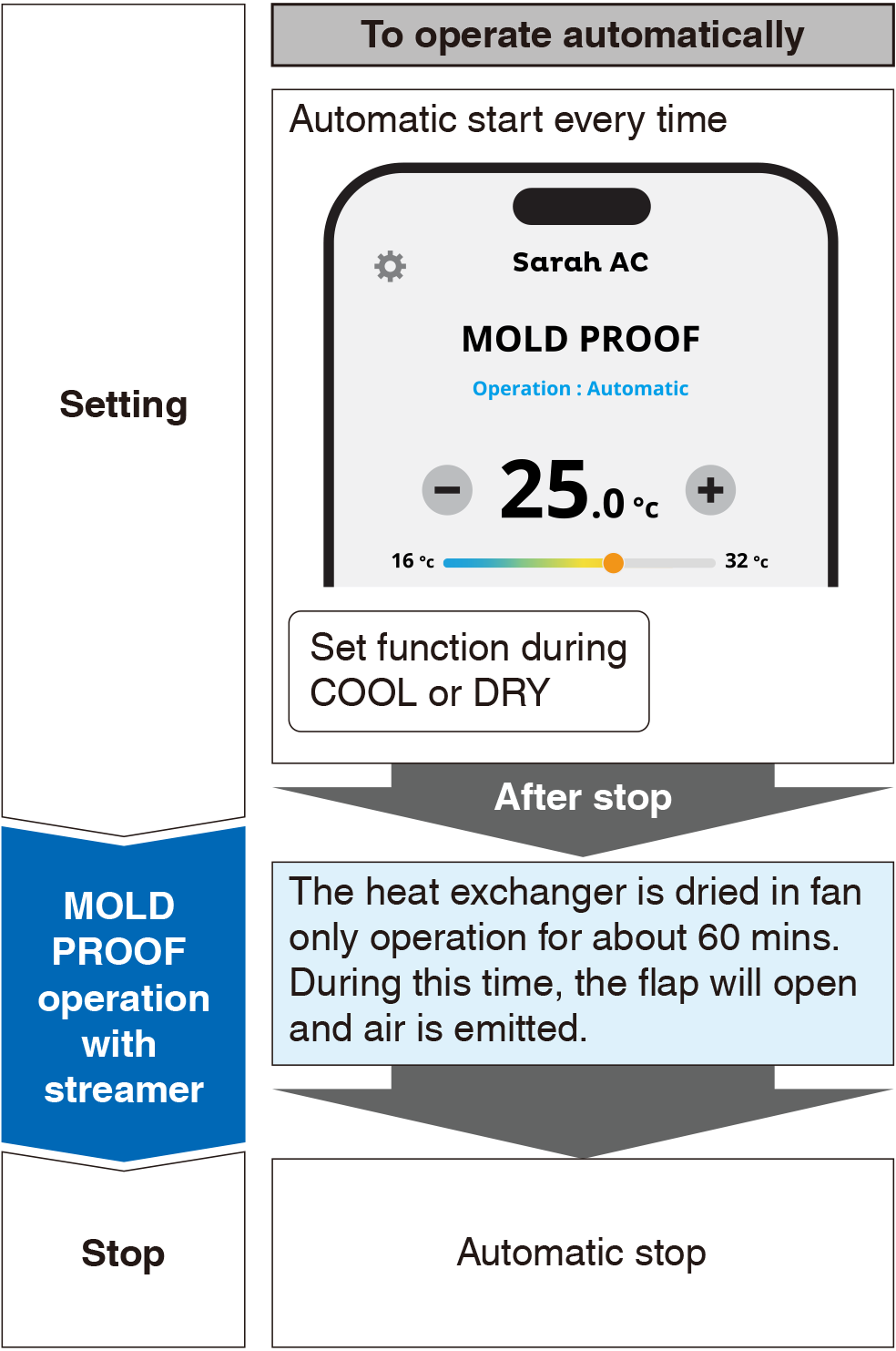
- After DRY or COOL operation stops, the air conditioner starts MOLD PROOF operation automatically.
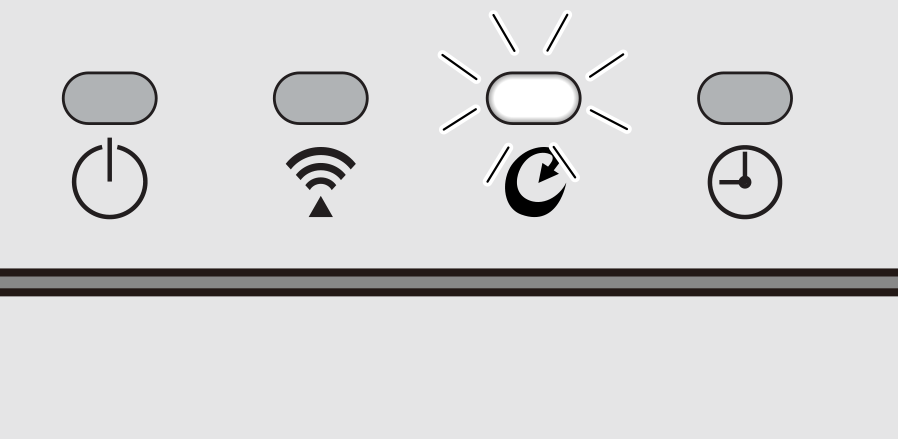
- MOLD PROOF operation lamp lights and FLASH STREAMER AIR CLEANING operation will be operate.
-
When the automatic MOLD PROOF mode is set to operate, if you press the MOLD PROOF mode button again while the appliance is operating in automatic MOLD PROOF mode, the system will immediately switch to manual MOLD PROOF mode.
To cancel this mode, you need to press the button again.
To cancel the automatic setting
-
During operation, tap “
” again to cancel.
- The button color will return to normal.
- The MOLD PROOF lamp goes off.
To stop operation midway
-
The air conditioner is operating in MOLD PROOF mode. When you want to stop MOLD PROOF operation midway, tap ”
 “.
“.
Flow of function for automatic operation
Close
To operate manually
To start
-
Tap ”
” on the screen while the unit is not operating.
 ATTENTION
If the air conditioner is turned off for more than 3 minutes, tap mold proof on the screen once again to start MOLD PROOF operation.
- The button appear a color.
-
While operation is stopped, “
 ” appear on the screen.
- MOLD PROOF operation lamp lights and FLASH STREAMER AIR CLEANING operation will be operate.
- This operation is one time only. It is recommended to operate MOLD PROOF operation about once a month if you are not using automatic setting.
To stop operation midway
-
The air conditioner is operating in MOLD PROOF mode. When you want to stop MOLD PROOF operation midway, tap ”
“.
Flow of function for manual operation
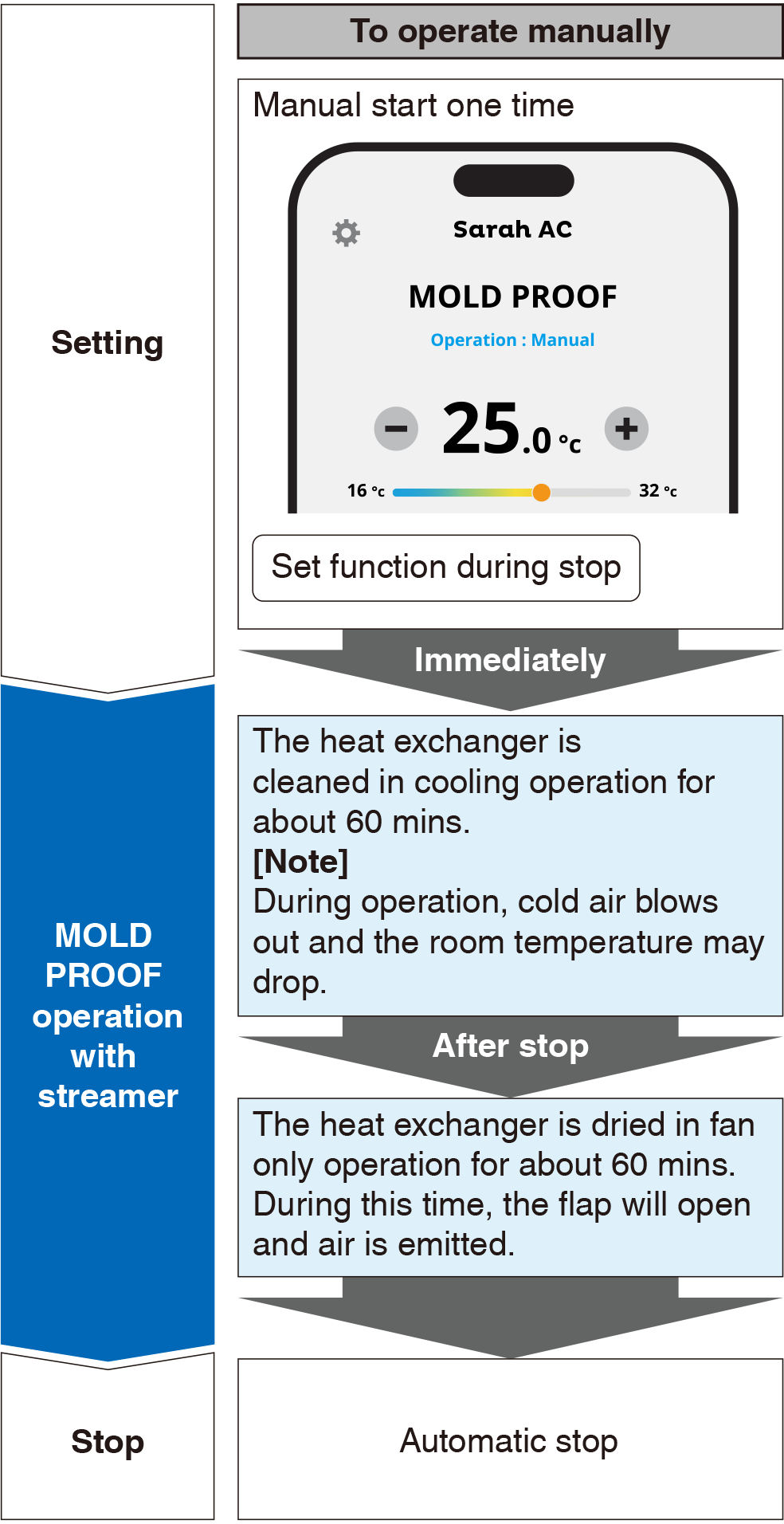
Close
Notes on MOLD PROOF operation
- After COOL or DRY operation stops, the air conditioner starts MOLD PROOF operation automatically, and then stops automatically 1 hour later.
- This operation dries the inside of the air conditioner while streamer discharge is performed to reduce the development of mold and odour inside the air conditioner. However, the function does not remove any adhered dust and mold.
- The flaps may sometimes close to increase the drying effect inside the air conditioner.
- MOLD PROOF operation may not be performed if the COOL or DRY operation less than 5 minutes (from turn on remote controller). In some case you should wait for about 3 minutes more.
- If MOLD PROOF operation does not suit your preference, please stop operation.
Close
Relation between MOLD PROOF operation and indoor unit lamps
| Air conditioner | Lamp status |
|---|---|
 Operating
|
MOLD PROOF setting is “ON”
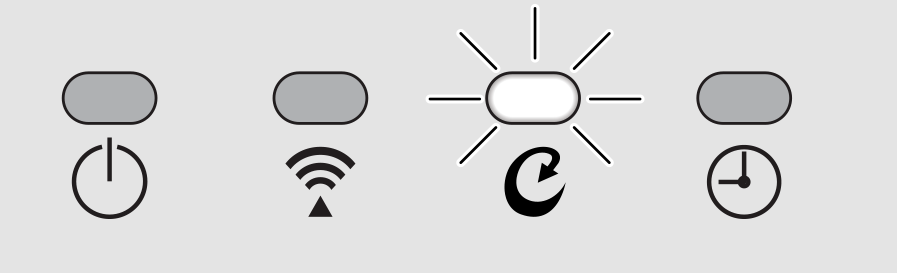 MOLD PROOF setting is “OFF”

|
 Not Operating
|
MOLD PROOF setting is “ON”
|
Close
